
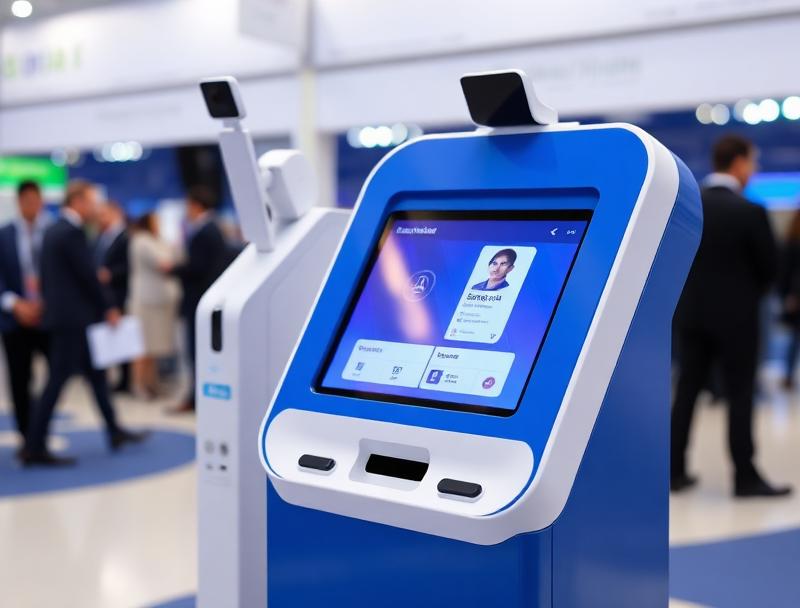
A QR registration connects each participant's place, payment and attendance. The council reduces manual work and sees which courses have real demand and occupancy.
Municipal courses and workshops often have limited places, discounts, documentation and several sessions. When applications arrive through isolated forms and attendance is recorded on paper, filling cancellations, reconciling payments and reporting participation become difficult.
A QR registration system brings the application, place, payment and attendance control into one journey.
1. Publish clear rules
Each activity should state its schedule, age range, requirements, price and capacity. One record can handle resident rates, discounts and pending documents without parallel lists.
Whole course or individual sessions
General and reserved quotas
Age or residency requirements
Cancellation and refund policy
2. Confirm places and payments across channels
The website, service desk and kiosk use the same inventory. A place is confirmed only when the defined conditions are met, while the POS links each payment or discount to the correct registration.
3. Run an automatic waiting list
When a course fills, new applications join an ordered queue. After a cancellation, the system offers the place for a defined period and moves to the next candidate if there is no response.
| Stage | Digital control | Outcome |
|---|---|---|
| Application | Requirements and quota | Correct registration |
| Confirmation | Payment and documents | Active place |
| Attendance | QR scan | Session record |
| Closure | Occupancy and withdrawals | Traceable report |
4. Record attendance with QR
Each participant receives a unique credential. The instructor scans it at entry and checks the activity, session and status. An authorised incident can also be recorded without exposing unnecessary personal data.
5. Manage changes and withdrawals
A withdrawal cancels the credential and releases the place under the published policy. Staff can move a registration to another group or time while preserving its history, payments and completed sessions.
6. Measure public services using real attendance
Registrations, waiting lists, session attendance and dropouts help refine timetables, rooms and budgets. Woolando connects registration, POS, kiosks and QR validation to make municipal activities easier to access and manage.