
Rain, wind or an official warning can force an outdoor event to change within hours. A digital plan lets organisers alert every buyer, retain or replace each QR and process refunds without losing traceability.
An event cancellation due to rain does not end when the organiser announces that the activity will not go ahead. Festivals, concerts, fairs and municipal celebrations must decide what happens to every ticket, payment, invitation and credential.
With a ticketing and QR access system, organisers can apply one policy, communicate it by audience segment and see who keeps a ticket, moves to another date or requests a refund.
1. Prepare the scenario before sales open
Purchase terms should explain what happens in rain, force majeure, a partial interruption or a venue change. Defining owners, deadlines and channels before the event prevents contradictory decisions when the forecast worsens.
Criteria to postpone, cancel or continue
Alternative date and confirmation deadline
Options for single-day and multi-day tickets
Treatment of fees, extras and invitations
Official channel for alerts and exceptions
2. Postpone without requiring a new purchase
When the date changes, the platform can move the order and retain the original QR or issue a new one. The rule must be consistent: if the code is replaced, the old one is cancelled to prevent duplicates on the rescheduled day.
3. Give attendees clear alternatives
Under the applicable policy, buyers may accept the new date, move to another session, convert the amount into credit or request a refund. A self-service area reduces emails and records the selected option.
| Requirement | Manual process | Digital flow |
|---|---|---|
| Alert | General message | Segmented delivery |
| Ticket | Individual review | Bulk QR update |
| Choice | Email support | Online self-service |
| Refund | Separate list | Linked to the order |
| Admission | Old-code risk | Current credentials only |
4. Communicate by order, product and day
Not every attendee needs the same message. Full passes, day tickets, workshops and extras may follow different options. Segmenting by product and status prevents ambiguous instructions and reduces enquiries.
5. Reconcile refunds with payments
Every refund should remain linked to the original order, amount and payment method. Finance can then reconcile full or partial refunds while customer service checks progress without parallel spreadsheets.
6. Update admission, POS and kiosks
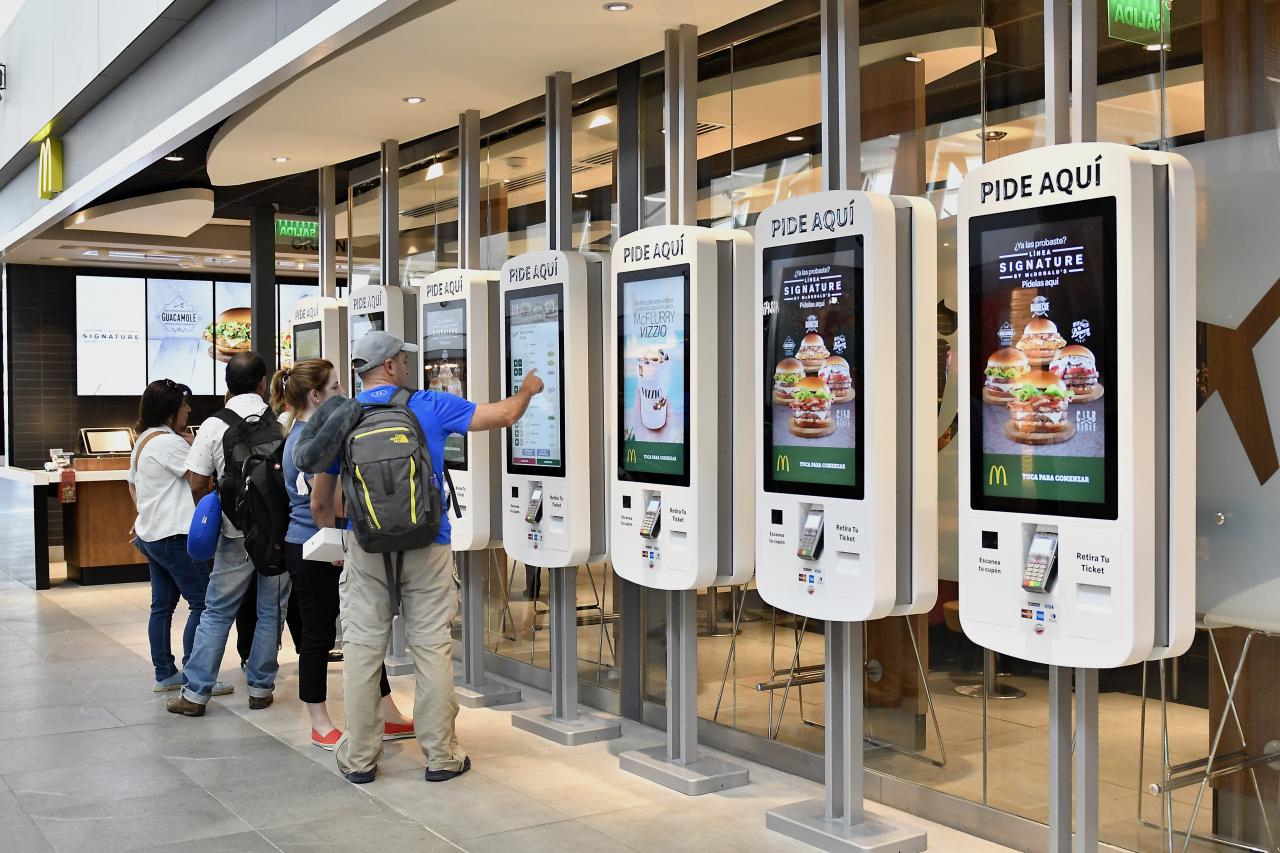
The change must reach validators, box offices and kiosks. Devices accept only tickets valid for the new date and show a clear exception when someone presents a cancelled QR or one belonging to a cancelled day.
7. Close the incident with reliable data
A final dashboard brings together moved tickets, changes, refunds, communications and admissions. Woolando connects ticketing, payments and QR access control so weather disruption can be handled quickly, consistently and transparently.