
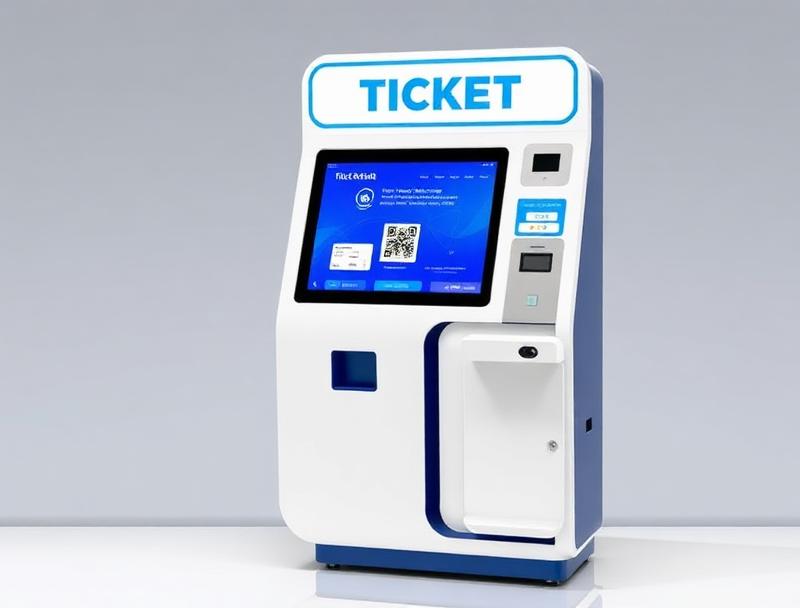
A silent disco must control both entry and every loaned headset. QR connects admission, deposits and returns in one workflow.
A silent disco offers concerts and late-night sessions through multiple audio channels without increasing ambient noise. Selling a ticket is only the first step: teams also need to hand out headsets, record deposits, handle exceptions and confirm returns without creating another queue.
A QR ticketing flow links the booking to the equipment loan. When staff scan the ticket, they can see the attendee status and record which unit is issued.
1. Build one journey for entry and equipment
The ticket can include rental or offer it as an add-on. Every option should state times, headset quantity, deposit and return terms, so web sales, box office and kiosks follow the same rules.
2. Scan the QR when issuing headsets
Staff scan the QR and associate the loan with the ticket. The screen indicates whether the pass is valid, equipment was already collected or assistance is needed.
| Stage | Digital control | Outcome |
|---|---|---|
| Booking | Ticket and add-on | Protected stock |
| Collection | QR and unit number | Traceable loan |
| Return | Closing scan | Updated inventory |
3. Keep entry and equipment queues separate
At larger events, one point validates tickets and another issues headsets. Both use the same status so guests do not repeat checks. A kiosk can recover a booking or sell available extras.
4. Make returns easy to track
When equipment returns, the loan closes and staff can apply the planned deposit process without separate lists. Collection times, outstanding units and incidents show how many collection points are required. Woolando brings together ticketing, QR, kiosks and POS for fewer queues and more control.