
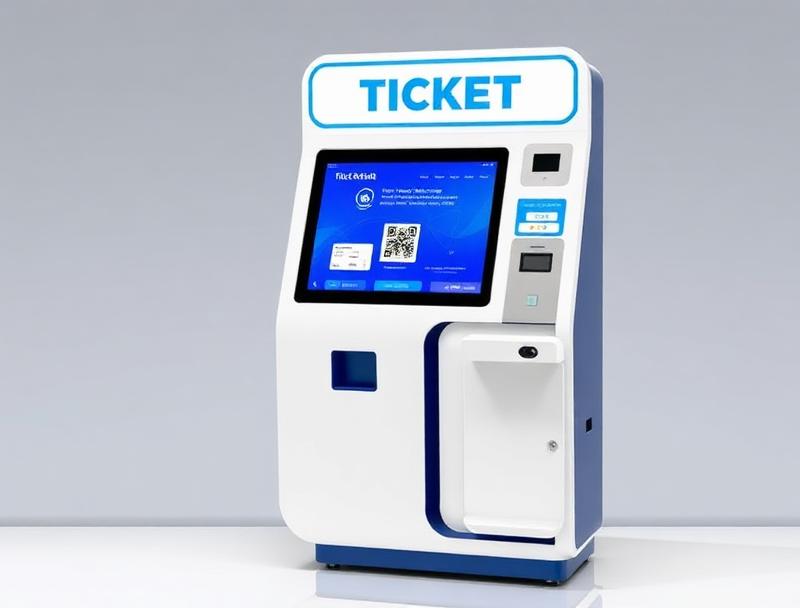
Grandstands turn part of a parade route into a venue with defined seats, zones and entrances. QR ticketing distributes capacity, guides each family and prevents duplicate admissions during the busiest arrival periods.
Municipal parades can attract thousands of spectators along an open route, while their grandstands, viewing platforms and reserved areas have limited capacity. Paper invitations and separate booking lists can lead to duplicated seats, incorrect entrances and queues that are difficult to control.
QR ticketing manages each place within one inventory and connects sales, invitations, ushering and validation.
1. Map sectors and entrances
Before bookings open, define every stand, block, row and seat. Each ticket should clearly display its sector, recommended gate, entry time and any mobility information.
Numbered seating or general-admission zones
Allocations for protocol, residents and public sale
Accessible places with linked companion seats
Recommended gates and arrival windows
2. Share one inventory across every channel
The website, municipal office, box office and kiosks should see the same availability. A seat held in one channel cannot be sold elsewhere, and organisers know committed capacity in real time.
3. Issue one QR per spectator
Even when a family buys several seats, every spectator receives an individual ticket. Separate arrivals remain possible and staff can amend one place without invalidating the entire order.
| Stage | Digital control | Outcome |
|---|---|---|
| Booking | Sector and seat | Place protected |
| Arrival | Gate and QR | Orderly access |
| Ushering | Row and seat | Fewer incidents |
| Close | Actual scans | Occupancy report |
4. Separate validation from ushering
Gate staff verify that the QR is valid for the correct stand and session. Ushers then see only the row and seat information they need, without personal details or printed lists.
5. Release unused invitations
Protocol allocations can include a confirmation deadline. Released places return to public inventory or a waiting list under a clearly communicated rule, without exceeding the capacity of each sector.
6. Prepare for incidents and route changes
Duplicate scans, lost tickets or a relocated stand should be handled at a connected help point. The system voids replaced credentials and can communicate a new gate or seat without conflicting versions.
7. Improve the next edition with real data
Bookings, scans, peak arrival times and occupancy by stand reveal where more readers, signs or staff are needed. Woolando connects ticketing, POS, kiosks and QR access control so large public celebrations stay organised from booking to seat.