
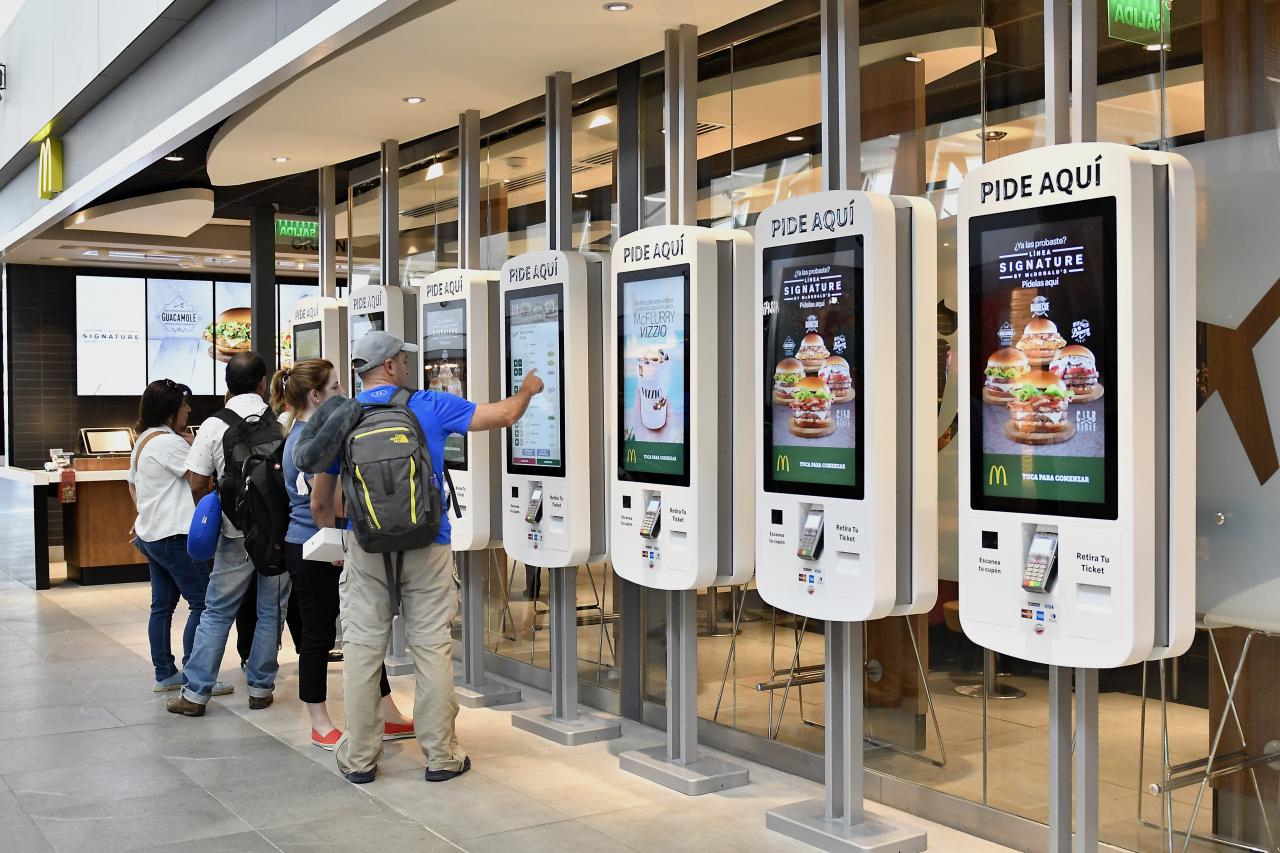
A graduation brings students, families, faculty and technical teams into a venue with limited capacity. QR tickets make it easier to distribute invitations, organise entry and measure real attendance without printed lists.
Graduations and academic ceremonies bring a large number of people to the doors within a short period. Paper invitations and spreadsheets make it difficult to enforce each student's allowance, recover unused capacity and resolve duplicate tickets.
A graduation QR ticketing system connects student registration with guests, venue capacity, seating and every validation. Organisers work from one inventory from registration through to the close of the ceremony.
1. Set a guest allowance for every student
Each student receives a defined number of invitations based on capacity and event format. A secure link lets them provide the required details and send an individual QR code to each guest without sharing their own credential.
Initial allowance per student
Guest confirmation deadline
Accessibility and protocol tickets
Reserved places for faculty and staff
2. Recover and reallocate unused capacity
Unconfirmed invitations can return to inventory when the deadline passes. The institution can offer a second allocation, use a waitlist or increase allowances fairly without exceeding venue capacity.
3. One unique QR code per attendee
Every invitation has its own code and status. The scanner checks the ceremony, time, zone and previous use. When a ticket is forwarded incorrectly or replaced, the old code is cancelled to stop duplicates.
| Profile | Credential | Control |
|---|---|---|
| Graduate | Personal badge | Check-in and ceremony order |
| Guest | QR ticket | Time, zone and seat |
| Faculty | Staff pass | Authorised areas |
| Supplier | Temporary badge | Schedule and technical area |
4. Clear seating and zones
The ticket can display a section, row and seat or direct guests to a general-admission zone. Separate doors and advance instructions reduce crossing flows, questions and delays before the ceremony begins.
5. Fast check-in for students and families
Students can check in at a dedicated point before joining the procession while families use separate entrances. Every validator shares live data and blocks a second scan of the same QR code.
6. A connected help desk
A spelling error, flat phone battery or changed guest can be resolved by finding the original order. Staff can resend or reissue the ticket and record the change without affecting the other invitations.
7. Data for safety and future ceremonies
Organisers can see confirmations, admissions by door, no-shows and actual occupancy. These figures support evacuation planning, timetable improvements and venue selection for the next cohort while retaining only necessary information.
8. An organised ceremony from start to finish
Woolando connects ticketing, credentials, kiosks and QR access control. Schools, universities and event companies can simplify invitations and provide an orderly arrival on a particularly important day.