
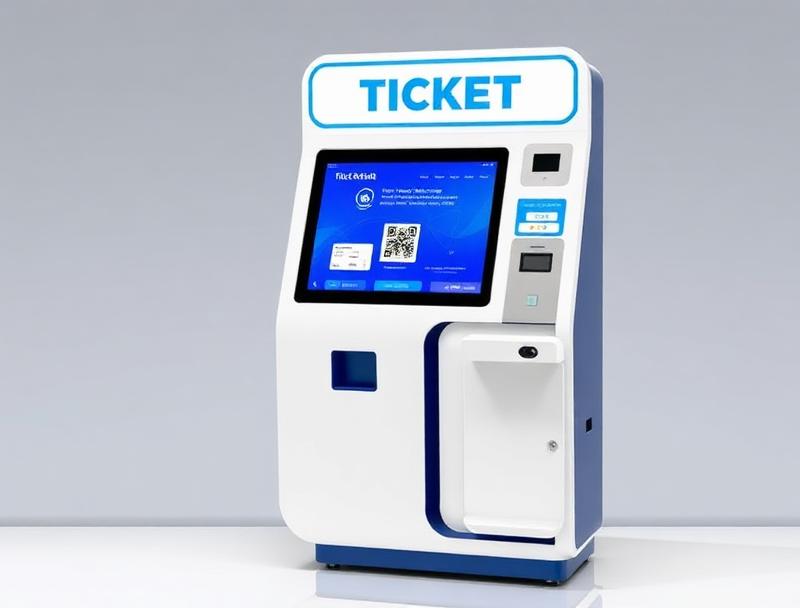
A general admission ticket can become a premium experience before or during the event. The key is to sell the upgrade without creating a disconnected order or leaving two valid QR codes for one person.
Ticket upgrades let attendees improve a seat, add VIP access or book services after purchasing. Done well, they increase revenue per visitor and add flexibility. Managed through separate lists and payments, they can create overselling, duplicates and uncertainty at the gate.
A QR ticketing system connected to POS and access control updates the original booking, charges only the difference and keeps a single valid credential.
1. Define what can be upgraded
Events can offer seating changes, fast track, VIP areas, hospitality, parking or refreshments. Availability must follow capacity and compatibility with the original ticket.
Category or seat changes
Premium area access
Parking, cloakroom or food services
Packages available until a deadline
2. Show a relevant offer
The buyer area should display only upgrades valid for that session and rate. They can also be sold at the box office, kiosk or POS, always using the same inventory so the final VIP place is not sold twice.
3. Charge the difference and retain the order
The upgrade remains linked to the original purchase. The system calculates the supplement, records payment and provides a receipt or invoice without requiring a full refund and repurchase.
| Stage | Digital control | Outcome |
|---|---|---|
| Offer | Eligibility and inventory | Available upgrade |
| Payment | Linked supplement | Clear reconciliation |
| Issue | Updated permissions | One ticket |
| Access | Zone validation | No duplicates |
4. Update the QR without enabling double entry
Once confirmed, the platform can update the existing QR permissions or issue a new code and revoke the old one. Validators and support staff see the latest status immediately.
5. Sell upgrades during the event
If capacity remains, a mobile POS or kiosk can sell premium access against an already validated ticket. The transaction identifies the attendee and extends permissions without manual wristbands or vouchers that are hard to audit.
6. Protect capacity and commercial rules
Zone quotas, schedules, ages, invitations and promotional rates determine which changes are permitted. Central rules prevent an on-site sale from contradicting the online offer.
7. Measure which upgrades create value
Conversion rate, purchase timing and incremental revenue by category help shape better offers. Actual access data also shows which services were used and where capacity could grow.
8. An upgrade integrated across the journey
Woolando connects ticketing, POS, kiosks and QR access control. Each upgrade becomes a traceable update to the attendee journey instead of a parallel process that complicates entry.