
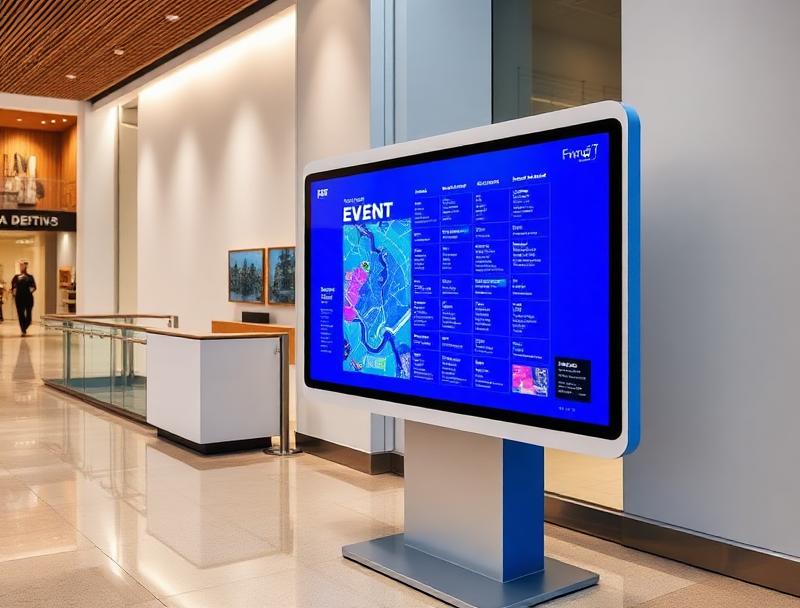
A badge cannot be found, a visitor needs directions or a record must be corrected. When every question reaches one desk, simple requests block the team handling complex issues. A support kiosk can separate, guide and complete part of that journey.
An event visitor support kiosk can answer common questions, retrieve information and route each issue to the right team. It does not replace staff: it prevents every visitor from joining the same queue.
1. Separate information, transactions and issues
Classify needs before designing screens. Checking a room is different from correcting a badge, requesting accessibility support or resolving a payment. Each category needs different data, permissions and outcomes.
Tell us the event, city, dates and expected queries via WhatsApp or email.
2. Decide what self-service can resolve
| Need | Possible response | Escalation |
|---|---|---|
| Agenda, map or service | Direct lookup and directions | Information point |
| Recover a ticket or QR | Agreed search and identity checks | Ticketing desk |
| Correct a record | Permitted, traceable change | Authorised staff |
| Payment, refund or access | Status and next steps | Responsible team |
The kiosk should only perform actions governed by clear rules. Exceptions and sensitive decisions move to a person with the context already collected.
3. Avoid asking for the same information twice
A QR, reference or email can retrieve the necessary record when integration and permissions allow. When escalating, transfer the category, language, status and checks already completed without exposing unnecessary data.
4. Give every case a useful outcome
Resolve and confirm the action on screen
Show the location and hours of the responsible desk
Issue a queue number or reference where available
Send instructions through a channel accepted by the visitor
Request in-person help without abandoning the process
A generic error message should never be the only outcome.
5. Plan privacy, accessibility and languages
The screen must hide other people's data, close abandoned sessions and restrict changes by permission. The journey also needs physical reach, contrast, sufficient time, consistent languages and an equivalent alternative.
6. Operate the point during the event
Assign ownership for content, connectivity, peripherals, supplies and alerts. Test missing registrations, unreadable QR codes, duplicate records, forbidden changes and escalation to staff. Contingency depends on the chosen setup and must be rehearsed.
7. Measure to improve support
Categories, time slots, kiosk and outcome can reveal repeated questions and bottlenecks. Individual identification is not always needed to understand which processes cause the most escalations. Data and retention are agreed for the objective.
8. How Woolando can help
Woolando sells, rents and provides kiosks under agreed arrangements, and delivers end-to-end projects across Spain. We can tailor interfaces, content, ticketing, accreditation, queuing and integrations, with on-site support when required. Scope is confirmed after reviewing queries, systems, permissions and operation.
Send us the event type, city, dates, support points and existing systems via WhatsApp or info@woolando.es.