
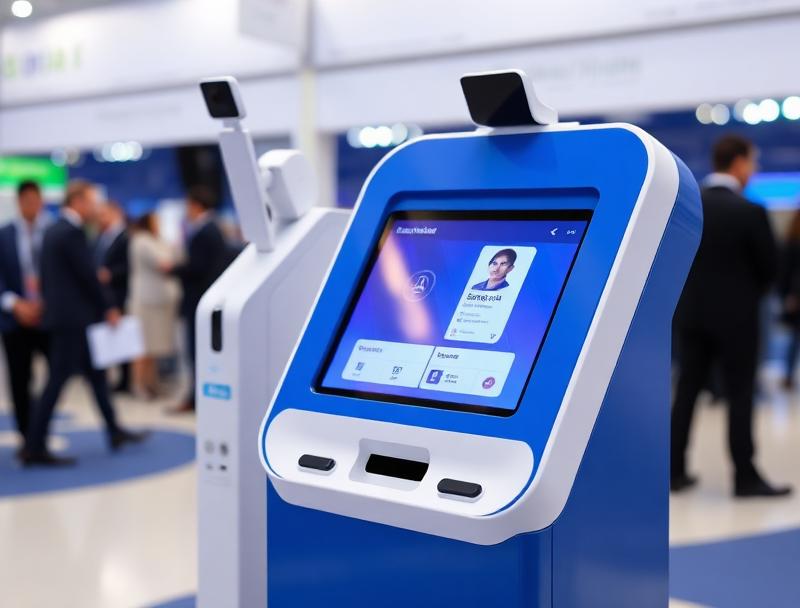
A name is misspelled, a company changes, a badge is lost or a late registration arrives. If every exception joins the standard check-in queue, a short correction can delay everyone. Reprinting needs rules, permissions and a prepared issue desk.
Event badge reprinting is more than pressing print again. Staff must confirm identity, decide which data may change, preserve the right access permissions and prevent uncontrolled duplicate credentials.
1. Separate standard arrivals from exceptions
Scanning a QR and printing a correct badge is repeatable. Correcting data, replacing a lost credential or creating a late registration requires checks. Keep kiosks or fast desks for standard arrivals and route exceptions to an attended desk.
Send event type, city, dates, categories and arrival peak through WhatsApp or email.
2. Define which issues allow a reprint
| Issue | Check | Action |
|---|---|---|
| Wrong name, role or company | Identity and authorised source | Correct, log and print |
| Lost or damaged badge | Holder and previous status | Revoke or flag and replace |
| Wrong category or zone | Owner approval | Update rights before printing |
| Late registration | Registration, consent and payment if relevant | Create, verify and print |
Rules vary by event. Staff need to know what they can resolve and what requires approval.
3. Maintain one master data source
Editing only the print template leaves conflicting data in registration, CRM and access control. Make the change in the agreed source and propagate it to connected systems where the integration allows. Assign an owner when synchronisation is manual.
4. Control duplicates and previous credentials
A reprint may retain the identifier or issue a new one, depending on the solution. Decide what happens to the earlier badge, how access staff will see its status and what audit trail remains. Do not assume automatic revocation before checking the actual system.
5. Prepare the desk, supplies and permissions
Compatible printer, backup and sufficient stock
Tested templates for every category
User roles limited to each task
Procedure for unreadable QR, duplicate record and network failure
Signs separating fast printing from issues
Test long names, special characters, category changes and repeated reprints before opening.
6. Protect data and prevent unauthorised changes
The service screen must not expose full attendee lists. Define how identity is checked, who approves sensitive changes and how long history is kept. Requested information should match the actual risk.
7. Measure causes, not just copies
Logging issue type, time and outcome reveals confusing forms, failed imports or templates that truncate data. Use those signals to remove the source before the next event without claiming unverified percentage gains.
8. How Woolando can help
Woolando sells, rents and provides kiosks, printers and equipment, and delivers end-to-end projects throughout Spain. We can tailor registration, printing, badges, QR validation and integrations, with on-site support when needed. Scope is confirmed after reviewing systems, formats, categories and operation.
Send event type, city, dates, expected volume, badge format and current platform through WhatsApp or info@woolando.es.