
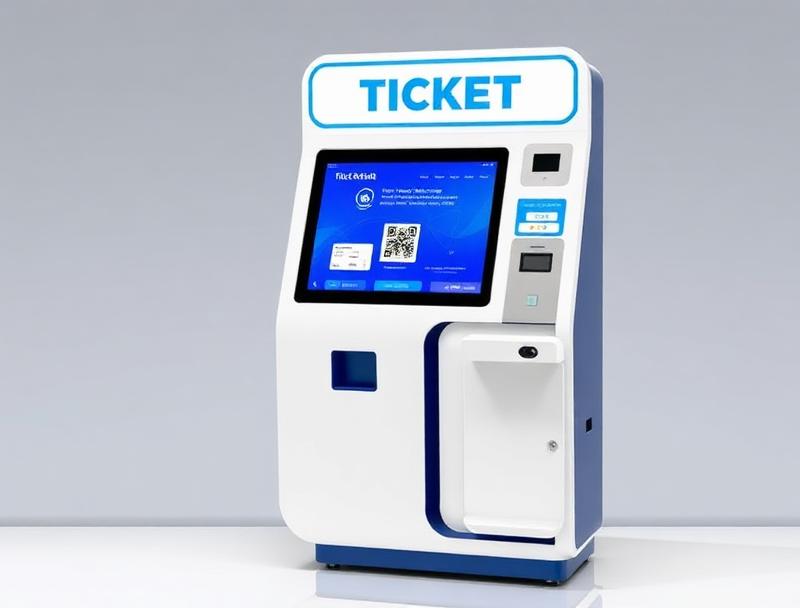
A sold-out event can still have empty seats because of cancellations, failed payments and last-minute changes. A digital waitlist reallocates those tickets fairly, quickly and with full traceability.
A sold-out event is good news, but it does not guarantee a full venue. Cancellations, unpaid orders and refunds can release capacity while other people are still looking for tickets.
A digital event ticket waitlist connects that demand to live inventory. It follows the chosen order, provides a purchase deadline and issues a new QR code only after payment is confirmed.
1. Capture demand when a session sells out
When a category reaches capacity, the purchase button can become a waitlist form. People select a session, ticket quantity and contact channel without paying or receiving a promise of availability.
2. Set transparent priorities
The organiser can use registration order, member priority or category rules. Publishing the criteria and purchase window prevents false expectations and keeps decisions consistent.
Position recorded with date and time
Ticket limit per request
Documented priorities and exceptions
Self-service removal through a secure link
3. Time-limited purchase offers
When capacity becomes available, the system alerts the next person and temporarily holds the inventory. If they do not buy before the deadline, the offer moves to the next person without manual work.
| Status | Action | Result |
|---|---|---|
| Sold out | Join waitlist | Demand recorded |
| Ticket released | Automatic alert | Temporary hold |
| Payment | Confirmation | Unique QR issued |
| Deadline passed | Next in line | Capacity recovered |
4. Inventory connected across every channel
Online sales, box office and kiosks should share one allocation. A refund or release then updates availability without overselling or competing with offers already sent.
5. A new, traceable QR code
The reassigned ticket is linked to the confirmed order and receives a unique code. If it came from a refund, the former QR is cancelled, reducing duplicates and unofficial resale.
6. Clear communication and privacy
Alerts should state the session, price, deadline and conditions. Collecting only necessary data, offering easy removal and setting a retention period keeps the list useful and respectful.
7. Data for capacity planning
Waitlist volume reveals unmet demand, while alert conversion shows how much capacity is recovered. Organisers can use this information to add sessions, adjust allocations and plan future editions.
8. Ticketing that captures every opportunity
Woolando connects inventory, payments, communications and QR access control. Organisers reduce empty spaces and manual work, while audiences get an official, orderly route to tickets.