
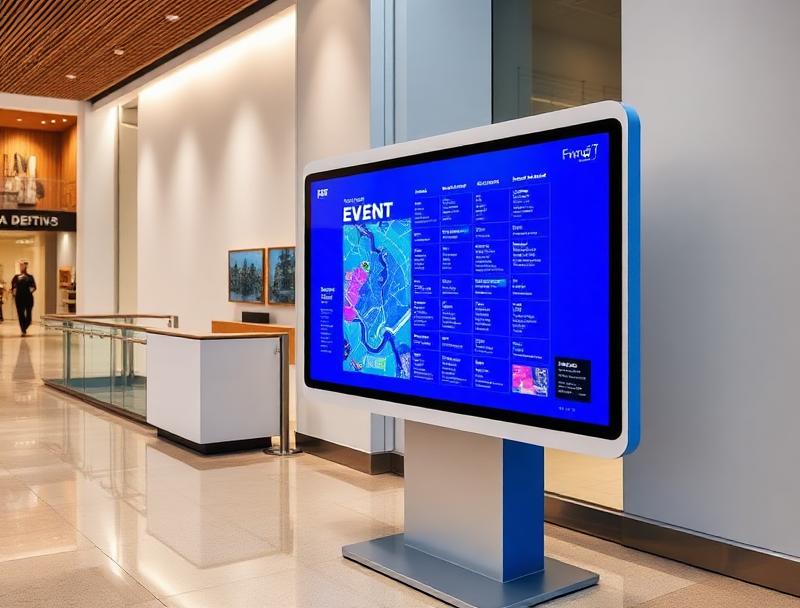
A kiosk can look right in a catalogue and fail on site: the screen is too low, the printer cannot handle the badge, the reader does not connect to ticketing or the flow takes too many steps. Before ordering a special enclosure, define what each visitor must do and what a standard setup cannot solve.
A custom event kiosk is useful when the visitor journey, peripherals, integration or venue do not fit an existing configuration. Customisation is more than colours: it can affect the enclosure, height, software, readers, printing, payments, connectivity and support.
1. Start with the task, not the screen
Describe what a person must achieve: find a registration, buy, check in, print, use a directory or join an experience. Record inputs, expected output, available time and the exception path.
Send the objective, event, city, dates and available space by WhatsApp or email.
2. When a standard model may be enough
A standard unit may fit when its display, mount and peripherals cover the journey, use is indoors, branding is simple and software can be configured without structural changes. It still needs testing with real documents, codes and users.
3. Signs that adaptation is needed
| Need | Possible adaptation | Validation question |
|---|---|---|
| Special badge | Printer, tray and stock | Does it fit, print and reload easily? |
| Payment or identity | POS, QR, NFC or another reader | Is it compatible and reachable? |
| Accessible use | Height, reach, interface and alternatives | Can the intended audience complete the flow? |
| Outdoor or heavy use | Protection, brightness, cooling and anchoring | Can it withstand the agreed environment? |
| Distinctive stand | Enclosure, wrap, shape and lighting | Does branding preserve operation and maintenance? |
4. Software is part of the kiosk
Define languages, navigation, timeouts, abandoned-session recovery, permissions and errors. For ticketing, CRM, payment or accreditation connections, document APIs, states, identifiers, security and fallbacks. Compatibility must be reviewed rather than assumed.
5. Accessibility, space and operation
Review control height and reach, readability, contrast, guidance, assisted alternatives, circulation and privacy. Check access routes, lifts, doors, flooring, power, network and replenishment space. Staff must be able to clean, open, refill and replace components safely.
6. Prototype and test before deployment
Use real profiles and exception cases
Test readers, printers, payments and stock
Time the full flow without turning a test into a capacity promise
Simulate network loss, jams, restart and replacement
Review transport, installation, stability and technical access
Agree acceptance criteria and owners
7. Purchase, rental, loan or integrated project
The right model depends on duration, repeat use, storage, maintenance and customisation. Agree ownership, updates, consumables, transport and support.
8. How Woolando can help
Woolando sells, rents and loans equipment and delivers custom integrated projects throughout Spain. We can coordinate kiosks, software, ticketing, payments, printing, languages, QR validation and integrations, with on-site support when required. Scope is confirmed after reviewing the journey and connected systems.
Tell us what the visitor must do, the space, city, dates, audience and existing systems by WhatsApp or info@woolando.es.