
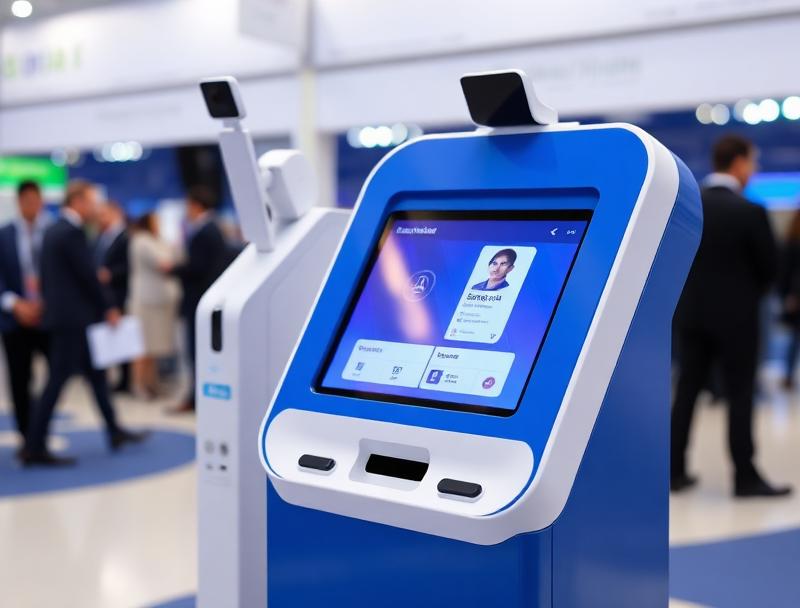
At a multi-room conference, a badge needs to do more than identify its holder. A QR can coordinate access for speakers, technicians, press and attendees according to each session schedule and room capacity.
Multi-room conferences bring together speakers, attendees, technical staff and suppliers with different requirements. A visual badge identifies a profile, but it cannot by itself confirm who may enter a session, at what time or in which role.
QR conference badges connect registration to the agenda, permissions and capacity control. Every scan applies current rules and produces useful operational data.
1. One QR linked to each profile
The system gives every person a unique credential linked to their category, company, sessions and operational needs. Speakers, moderators, technicians, sponsors and attendees can use the same badge format without receiving the same permissions.
Speaker and guest
Moderation and event team
Audiovisual production and technical support
Press, sponsors and hospitality
General and premium attendees
2. Permissions by room and time slot
Admission may depend on room, session and time. A speaker QR can open backstage and the assigned room, while an attendee credential validates only for booked activities. Last-minute changes are updated without reprinting every badge.
3. Fast speaker check-in
A dedicated reception point confirms arrival, hands over materials and alerts the room manager. When a kiosk prints the badge, the QR becomes active after check-in and queues at the main desk become shorter.
| Profile | Typical access | Operational data |
|---|---|---|
| Speaker | Room and backstage | Arrival confirmed |
| Technician | Assigned rooms | Shift and team |
| Press | Authorised sessions | Accredited outlet |
| Attendee | Booked sessions | Entry and exit |
4. Live capacity for every session
Scanning entries and exits reveals room occupancy, stops admission at the limit and directs visitors to alternative sessions. Teams no longer depend on manual counts or visual estimates.
5. Handle exceptions without stopping admission
The validator should explain whether a QR has already been used, belongs to another room, is outside its time slot or does not include the session. Staff can resolve exceptions at a support point without blocking the normal flow.
6. Data to improve the next edition
Scans reveal actual attendance by session, peak periods, no-shows and movement between rooms. These insights help size venues, adjust the programme and demonstrate results to sponsors.
7. Connected registration, badges and access
Woolando brings registration, badges, kiosks and QR access control into one system. The conference gains security and traceability while speakers and attendees enjoy a faster arrival and a better organised agenda.