
Locker and cloakroom areas look simple until hundreds of attendees arrive with bags, helmets or merchandise at the same time. With QR, kiosks and connected POS, festivals and sports events can organize drop-off, payment and returns without queues or lost paper tickets.
At many festivals, road races, fan zones and large sports venues, the locker area becomes a pressure point right when attendees are rushing in. Bags, helmets, jackets, merchandise purchases and personal items quickly pile up around desks where every second matters.
A QR locker workflow for events lets the team register each item, link it to the attendee, charge for the service when needed and handle pickup from the same environment connected to kiosks, POS and operational reporting. That turns the locker area from an improvised table into a traceable process.
1. Why locker areas get congested so quickly
The locker operation combines several friction points at once: strong arrival peaks, items of different sizes, temporary staff and attendees who expect their belongings back quickly when the event ends.
The most common problems usually include:
Long queues before the event starts or during breaks
Paper tickets that get lost or are hard to read
Items handed back to the wrong person
Very little visibility into available capacity and stored volume
Difficult reconciliation of payments, returns and incidents at closing time
When the process depends on handwritten tags or loose numbering systems, even a small doubt slows down the whole line.
2. How a QR locker process works
Each drop-off can generate a unique QR code linked to the attendee, item count and assigned location. That QR can be printed, sent to a phone or recovered from a kiosk if the attendee cannot find it later.
In just a few seconds, the system can verify:
Who left each item and when
How many items belong to that operation
Whether the service is free, paid or tied to a VIP access level
Whether the item has already been collected or is still pending
Which staff member, desk or kiosk handled each movement
This makes both drop-off and pickup faster and leaves much less room for handoff mistakes.
3. Where kiosks and POS fit into the workflow
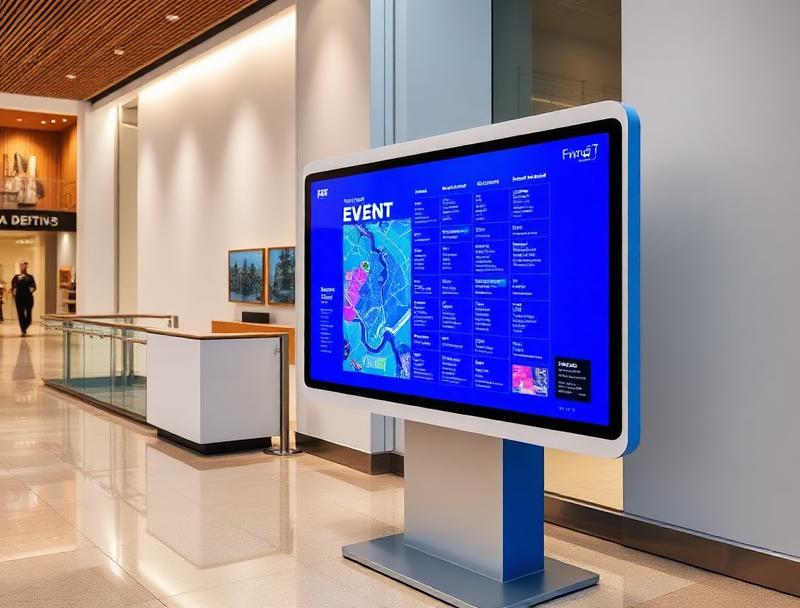
Connected kiosks help when part of the audience needs to find a reservation, pay for the service or recover a missing receipt. POS matters when there are per-item fees, deposits or premium services attached to the locker operation.
Self-service kiosk: find a booking or reprint a receipt
Connected POS: charge locker fees or extras inside the same flow
Assisted desk: handle special items, incidents or delicate belongings
Operational dashboard: track available capacity and movements in real time
The key is making drop-off, payment and pickup share the same live status instead of relying on disconnected notes.
4. What organizers gain in control and traceability
The real improvement is not only speed, but making locker handling, payment and reporting run on the same data foundation. That way the team knows which items are still stored, which points are saturated and which incidents need support.
| Need | Manual workflow | With Woolando |
|---|---|---|
| Item intake | Loose tags or paper tickets | Instant QR registration |
| Payment | Separate cash desk | POS within the same flow |
| Pickup | Manual searching | Traceable validation and handoff |
| Capacity | Estimates only | Visibility by point or zone |
| Closing | Slow review | Recorded movements |
With that foundation, it becomes easier to open a new desk, reassign staff or detect where exit congestion is building up.
5. Where this model adds the most value
QR locker workflows fit especially well when arrival and exit peaks are intense and the attendee experience depends on getting belongings back quickly.
Festivals with bags, merchandise purchases and clothing changes
Sports events where attendees arrive with helmets, gear or kit bags
Fan zones and temporary venues with restrictions on some objects
Arenas and fairgrounds with premium services or zone-based lockers
The more important order and traceability become, the more value there is in digitizing the locker operation.
6. Useful data after the event
Digitizing the locker area also improves post-event analysis. Organizers can see intake peaks, waiting times and real volume by point to size the next edition more accurately.
Drop-offs and pickups by time slot
Revenue by point and service type
Pending items at closing time or resolved incidents
Used capacity by zone or shift
Average intake and pickup time
Those insights help plan staffing, space and signage with much more precision.
7. Exit matters as much as entry
Attendees remember whether they got their belongings back in two minutes or ended up trapped in a slow queue at the end of the night. That is why locker handling should not be treated as a secondary operation.
With Woolando, QR, kiosks, POS and operational dashboards can work together so festivals and sports events manage lockers with fewer queues, fewer errors and much better traceability.